Transfer
Send files across your home Wi-Fi by opening a web page — no cloud, no account, no cable
The problem: getting a file from my laptop to my phone. The solutions: a cable, or uploading something private to a server I do not control.
Transfer takes the third option — the server stays on my own network, and the interface is a web page.
What it is
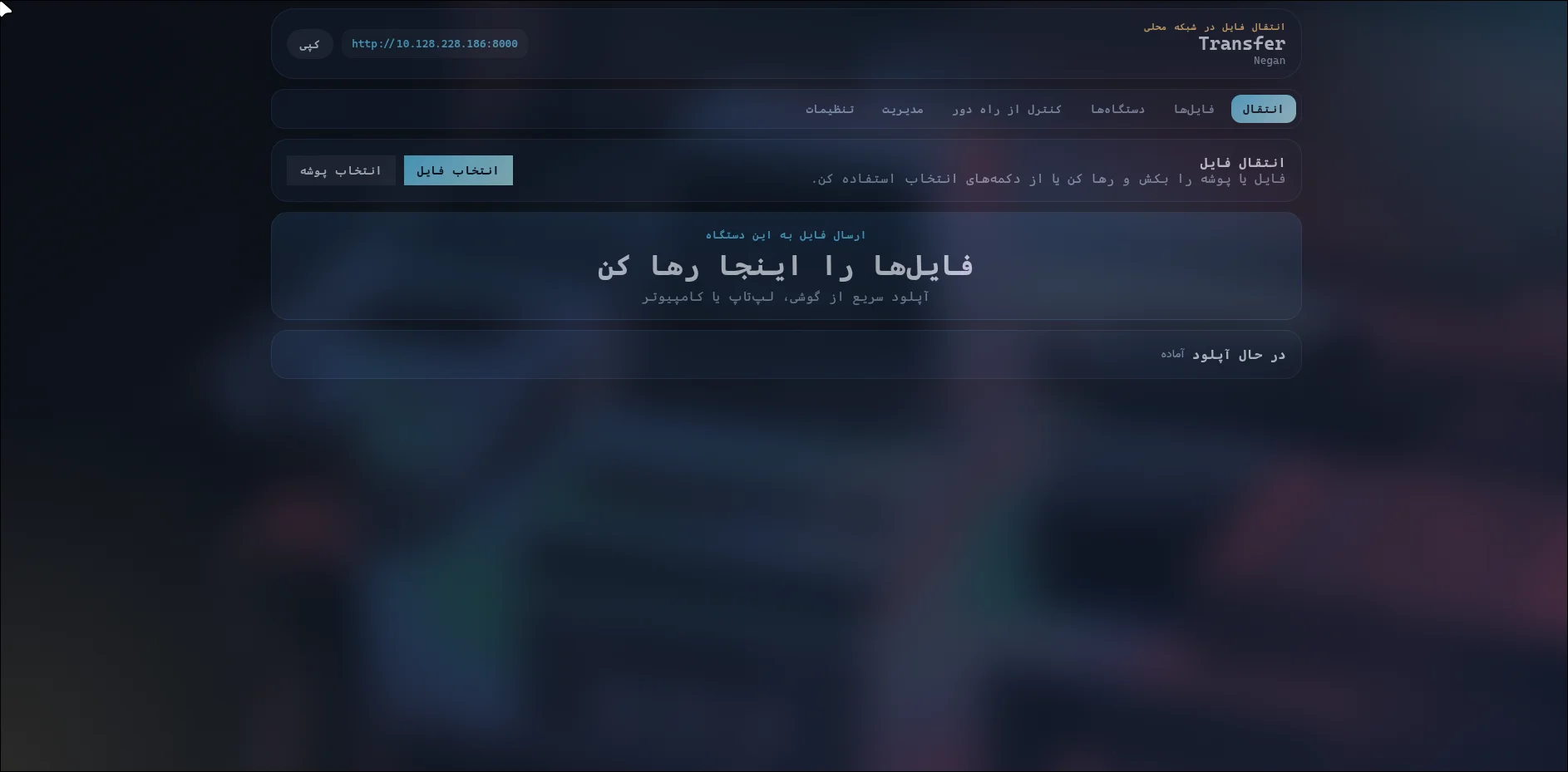
Run it once on a computer. It prints an address. Every phone, laptop and desktop on the same Wi-Fi can open that address in a browser and transfer files. No account, no cloud, nothing leaves the house.
The awkward part of any local-server tool is the moment where someone has to type an IP address. So there is a QR code on the screen instead — point the phone’s camera at it, and you are already connected.
What it does
- Files and whole folders, both directions, with drag and drop and multi-file ZIP download.
- QR pairing, so nobody types an address.
- HTTPS with a certificate generated on first run, so a phone does not fight the browser about a warning.
- Devices find each other automatically on the network, so you do not hunt for the right one.
- Live progress over WebSocket — files show as they move, not after.
- Share links that expire, file search, sorting, and a duplicate check.
- Bilingual English/Persian, five themes, and it installs as an app on your phone like a native one.
- Per-session speed limits, so it cannot saturate a hotel Wi-Fi.
The numbers
| 2 | interfaces: the server, and a CLI for scripted transfers |
| 5 | themes plus automatic system-theme following |
| 0 | accounts, 0 |
Why it’s worth a look
The security work is the substance here. A server that accepts uploads from anything on the network is a server you have to be careful with: every filename coming in is a chance to write outside the intended directory, every filename rendered back is a chance to inject a script, and every state-changing request is a chance to be called from a page you are visiting. Path traversal, output escaping and CSRF protection are not features added later — they are the reason the thing is safe to leave running.
It also has to be honest about its scope: this is designed for a home or office LAN and should not be exposed to the internet. The README says so, and the security model is built for that assumption rather than pretending to be a public service.
Current state
- Remote camera and screen viewing require HTTPS and are the least used features.
- Folder sync is experimental and I would not rely on it.